New: hosts can lock play and pause
Anyone in a party can still pause the music by default, because that is handy when a phone rings. But now the host can take it back with one tap.
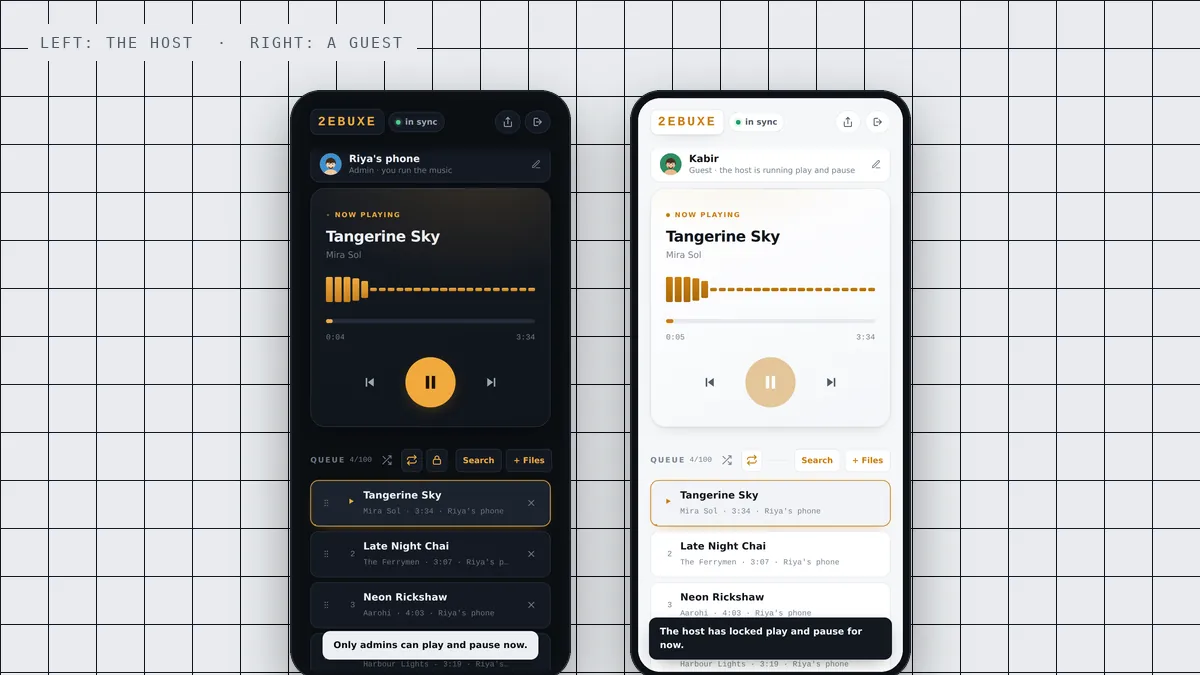
Until now, anyone in a BeatBuddies party could play and pause the music. That is still how every party starts, because it is useful: a phone rings, someone wants to make a toast, the food arrives. But some evenings you want the music to stop only when you say so. So hosts now have a lock.
What the lock does
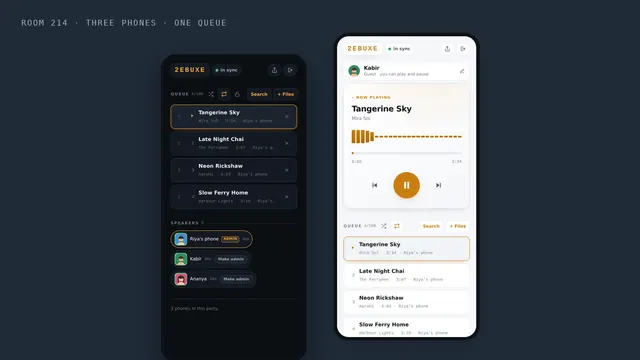
In the bar above the queue, next to shuffle and repeat, there is a small padlock. Tap it and play and pause belong to the host and the admins only. Tap it again and everyone can use them again.
Only the host and admins ever see the padlock. Guests never have a control they are not allowed to use.
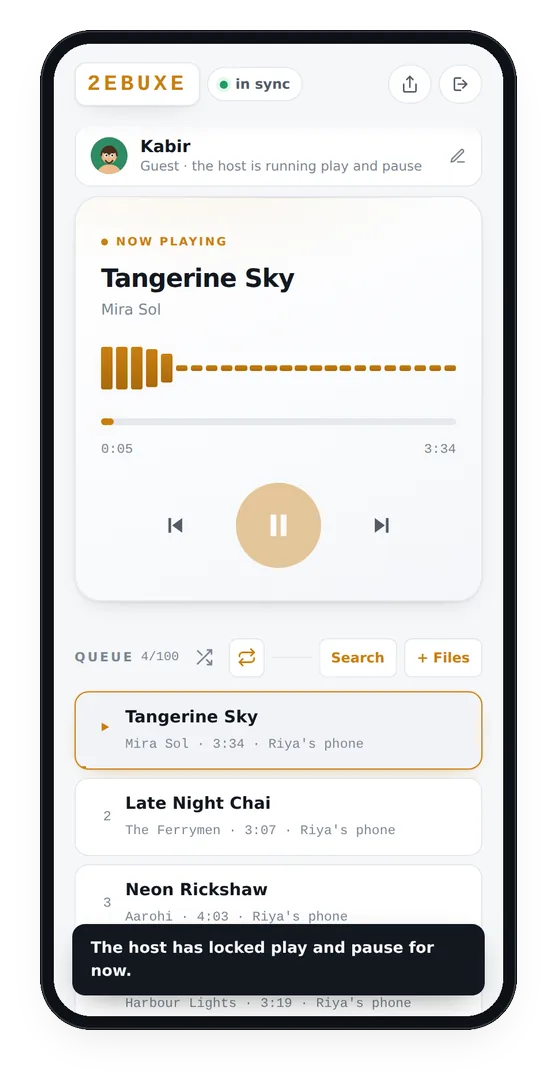

What a guest sees
While play and pause are locked, a guest’s play button dims. If they tap it anyway, a short message explains that the host has locked play and pause for now, so nobody thinks their phone is broken. Under their name, their role changes to say the host is running play and pause.

Everything else on a guest’s phone keeps working: volume, Nudge, Low data mode, and seeing the queue.
Who can do what in a party
| Control | Host and admins | Guests |
|---|---|---|
| Play and pause | Yes | Yes, unless the host locks it |
| Skip and go back | Yes | No |
| Move along the track | Yes | No |
| Add songs, by search or from files | Yes | No |
| Remove and reorder the queue | Yes | No |
| Shuffle and repeat | Yes | No |
| Lock play and pause | Yes | No |
| Make someone an admin | Yes | No |
| Volume, Nudge and Low data mode on their own phone | Yes | Yes |
The host can make anyone an admin by tapping Make admin next to their name in the Speakers list. Admins get every control the host has, including the lock. The person who started the party always stays an admin.
When to lock it
- Dance practice. Somebody at the back stopping the track to ask a question breaks the run for everyone. See the sangeet practice setup.
- A planned moment. A cake, an entry, a first dance, where the music has to start exactly when the host decides.
- Kids at the party. A pause button is the most fun button there is.
- A class or a workout. The instructor runs the music and everyone else follows it.
Why it is unlocked by default
We thought about starting every party locked. We did not, because in an ordinary party the ability to pause is the one control a guest actually needs: the phone rings, somebody knocks, a neighbour appears at the door. Taking that away from everybody by default would make the common case worse to make the rare case better. So parties start open, and the host can close it in one tap.
Does the lock last?
The lock belongs to the party. It stays on until an admin turns it off, or until the party ends. A new party always starts with play and pause open to everyone.
Questions people ask
Who can see the lock button?
Only the host and admins. Guests never see a control they cannot use.
Are parties locked when they start?
No. Every party starts with play and pause open to everyone, and the host can lock it at any time.
Can admins other than the host use the lock?
Yes. Anyone the host makes an admin gets every control the host has, including the lock.
More from the blog
 Guide
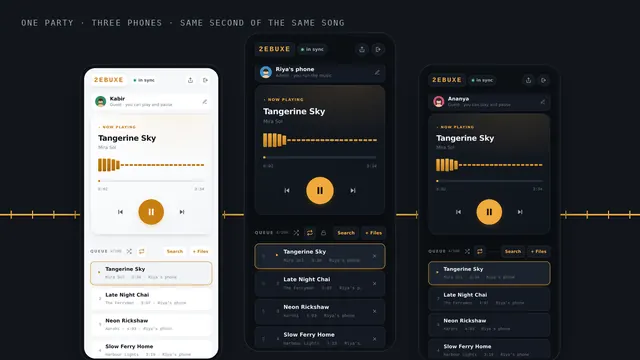
GuideHow to play the same song on several phones at once, in sync
Four steps, about a minute, and every phone in the room plays the same beat.
 House party
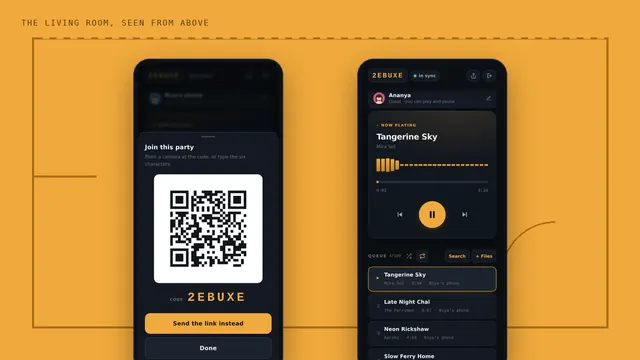
No speaker at the house party? Use every phone in the room
Where to put the phones, how loud to set them, and who runs the music.
 Hostel
Hostel room party music, with no speaker and no fight over the aux
No speaker, bad wifi and a fight over the aux. One shared queue fixes all three.