Sangeet practice: every cousin on the same beat, even at the back of the hall
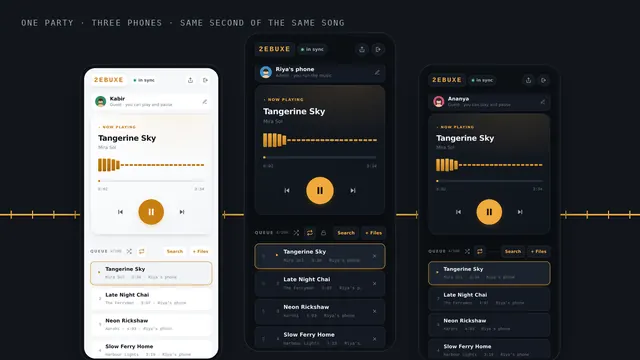
Wedding dance practice falls apart when the back row cannot hear the count. Put the same track on every phone in the hall, loop it, and keep the controls with the choreographer.
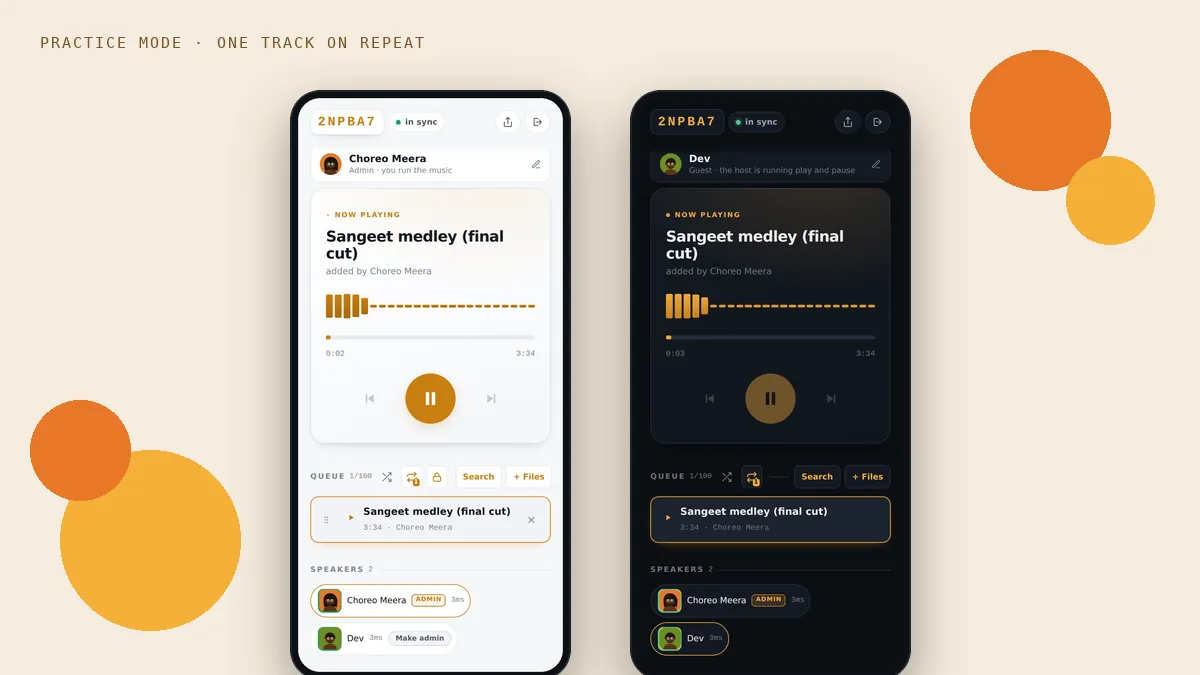
Three weeks to the wedding. Twenty cousins in a community hall, one choreographer at the front, and one phone plugged into a small speaker by the stage. The front row is on the beat. The back row is watching the front row and copying, which means they are always a little late, and the step that looked sharp in the video looks ragged in the hall.
Most of that is not about skill. It is about who can hear the music clearly. Put the same track on phones spread through the hall, all playing the same instant, and every row gets the beat from close by instead of from the stage.
Why the back row falls behind
Two things work against the people at the back. The first is simply hearing: in a big room full of people talking, counting and laughing, a small speaker at the front turns into mush by the time it reaches the back wall. People stop listening and start watching, and watching is always later than hearing.
The second is physics. Sound travels at about 343 metres a second, so in a 20 metre hall it takes around 60 milliseconds to get from the stage to the back row. That on its own is small, but on a fast dhol beat, added to the delay of watching someone else, it is enough to make a line of dancers look uneven.
The practice setup
The choreographer runs the party
Whoever leads the practice starts the party and adds the exact edit you are dancing to with + Files. That matters: most sangeet songs are custom cuts, three songs stitched together with a pause for the entry. Use the same file you will hand to the DJ on the day, so the practice and the performance match to the beat.
Everyone else joins with the six character code or the QR, and props their phone up along the walls. Cousins do not need an account and do not pay anything.
Put the track on repeat
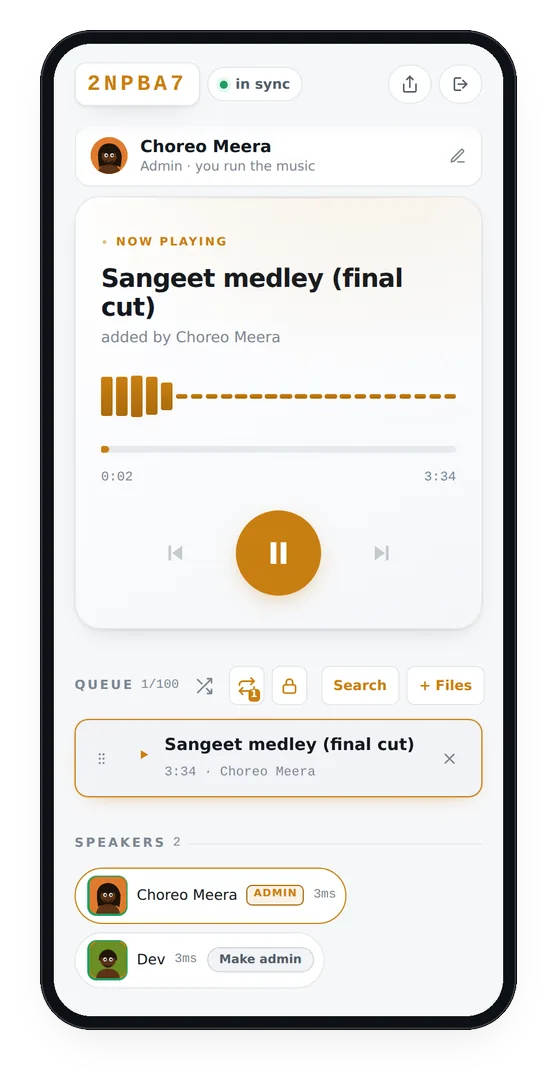
Tap the repeat button in the queue bar until it shows a small 1. The same track now plays again from the top as soon as it ends, on every phone together, so nobody has to walk over to restart it between runs.

Lock play and pause to the choreographer
By default anyone in a party can play and pause, which is fine at a party and hopeless at practice, where somebody at the back will stop the music to ask a question. Tap the lock beside the repeat button and only the choreographer, and anyone they have made an admin, can start and stop the track. The cousins’ play buttons dim and a short message tells them the host is running it.

Jump to the part you are drilling
The choreographer can drag the progress bar to the chorus, or the entry, or the tricky eight counts before the lift, and every phone jumps there together. Guests cannot move the track along, so nobody accidentally drags the whole room to the end of the song.
Placing the phones
- Along both side walls, and one or two at the back. The aim is that no row is far from a phone.
- At head height if you can. A windowsill, a stacked chair, a shelf. On the floor, the sound disappears between feet.
- Not in pockets. A phone in a pocket while dancing is muffled and it moves around. Leave them standing still.
- Around three quarters volume. Several clean phones are easier to dance to than a few distorting ones.
If one phone sounds out
If a phone seems a little behind the others, usually because it is connected to a Bluetooth speaker, tap the sync pill at the top of that phone and use Nudge this phone. Drag it to the right a little at a time until the claps line up. It only changes that one phone.
On the day
At the actual sangeet the music will come from the DJ’s system, not from phones. Everything you practised still carries over, because you practised to the same file, from the top, with the same entries. The one thing to check is that the DJ has exactly that file, not a version downloaded again from somewhere else, which can be a few seconds different.
Questions people ask
Can we use our own edited sangeet mix?
Yes. The choreographer adds it with + Files. Use the exact file you will give the DJ, so practice and performance match.
Can the song loop automatically?
Yes. Tap repeat until it shows a 1, and the track starts again from the top on every phone as soon as it ends.
Can I stop cousins from pausing the music?
Yes. Tap the lock next to repeat. Only the choreographer and anyone they have made an admin can then play and pause.
Can we slow the song down for practice?
Not inside BeatBuddies. If you need a slower version, export one from any audio editor and add it to the party as its own file.
More from the blog
 Silent disco
A silent disco with phones and headphones
Headphones on, every phone on the same beat, and nothing for the neighbours to hear.
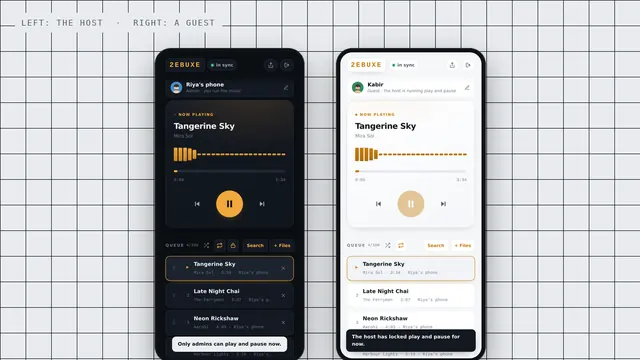 New feature
New: hosts can lock play and pause
One tap, and only the host and admins can start and stop the music.
 Guide
GuideHow to play the same song on several phones at once, in sync
Four steps, about a minute, and every phone in the room plays the same beat.