How to play the same song on several phones at once, in sync
Four steps, about a minute, and every phone in the room becomes part of one speaker. Here is how to do it, how to check it worked, and how to fix the two things that usually go wrong.
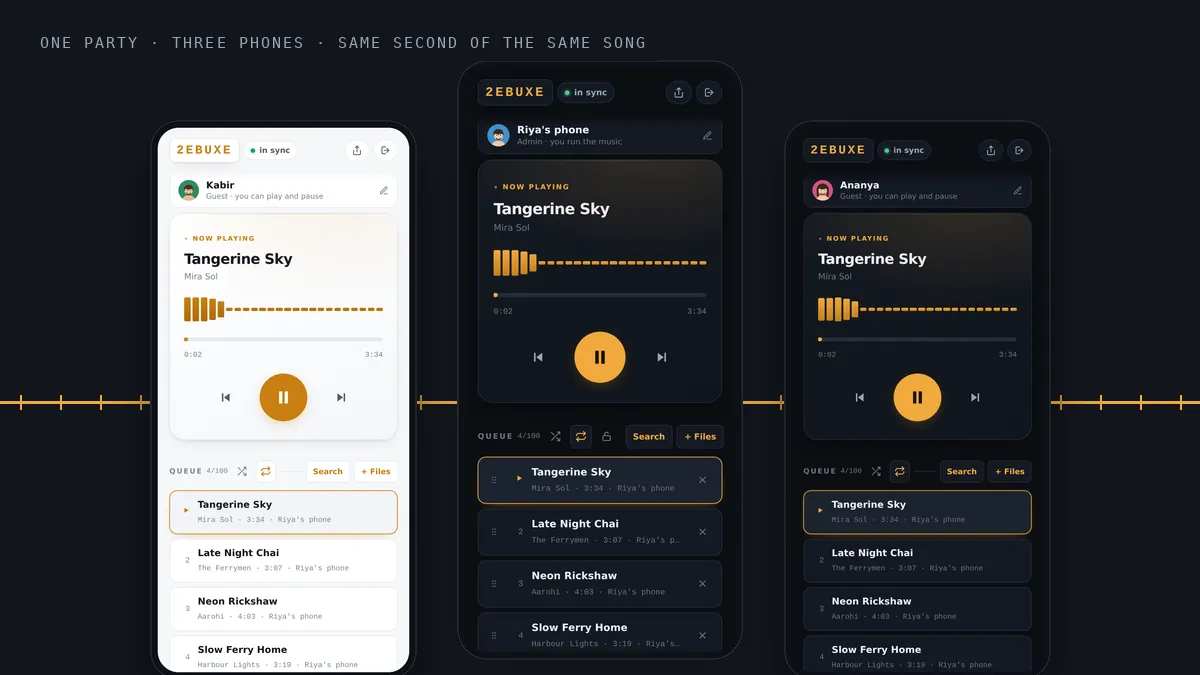
Everybody has tried it. Four friends open the same song, somebody counts to three, everyone taps play, and for about two seconds it sounds almost right. Then it turns into an echo, then into mush, and one by one the phones go quiet until only the loudest one is left.
That is not bad luck, and it is not your phones. It is a timing problem, and it has a proper fix. This guide shows you how to get every phone in a room playing the same song at the same instant, with nothing more than the phones and an internet connection.
Why tapping play together never works
Your ear is very good at hearing when two copies of a sound arrive at different moments. If two phones are more than roughly 30 milliseconds apart, you stop hearing one song and start hearing an echo. Below that, the two copies blend into one fuller sound.
Thirty milliseconds is far quicker than any thumb. When people react to a spoken “three”, the gap between the fastest and slowest person is usually a couple of hundred milliseconds. On top of that, each phone takes its own time to load the track and start the audio. So even a perfect count gives you phones that are a fifth of a second apart, which is exactly the range that sounds worst.
BeatBuddies never sends a “play now” message, because messages reach each phone at a different time. Instead every phone keeps measuring how far its own clock is from a shared clock on the server. When the song starts, each phone is told the moment it began, and it works out where the music should be right now. A phone that joins four minutes late does not start from the beginning. It starts four minutes in, on the beat.
What you need
- Two or more phones. Android or iPhone. Android can use the app from Google Play; any phone can use the browser at beatbuddies.online/app.
- An internet connection on each phone. Wifi or mobile data. The phones do not need to be on the same wifi network.
- One account, for the person starting the party. New accounts get three days free. Everyone else joins without paying anything.
Step 1: start a party
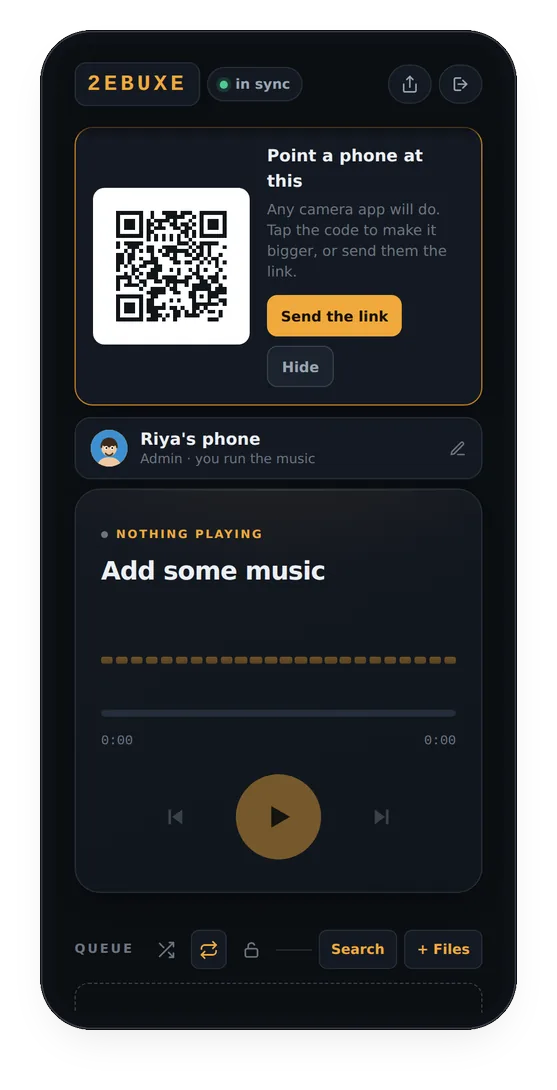
Open the app, give your phone a name so people can tell which one it is, and tap Start a party. You get a six character code at the top of the screen and a QR code that other phones can scan.
Whoever starts the party is its host. The host runs the queue, and can hand the same rights to anybody else later.
Step 2: get everyone in
There are three ways in, and they all land in the same place:
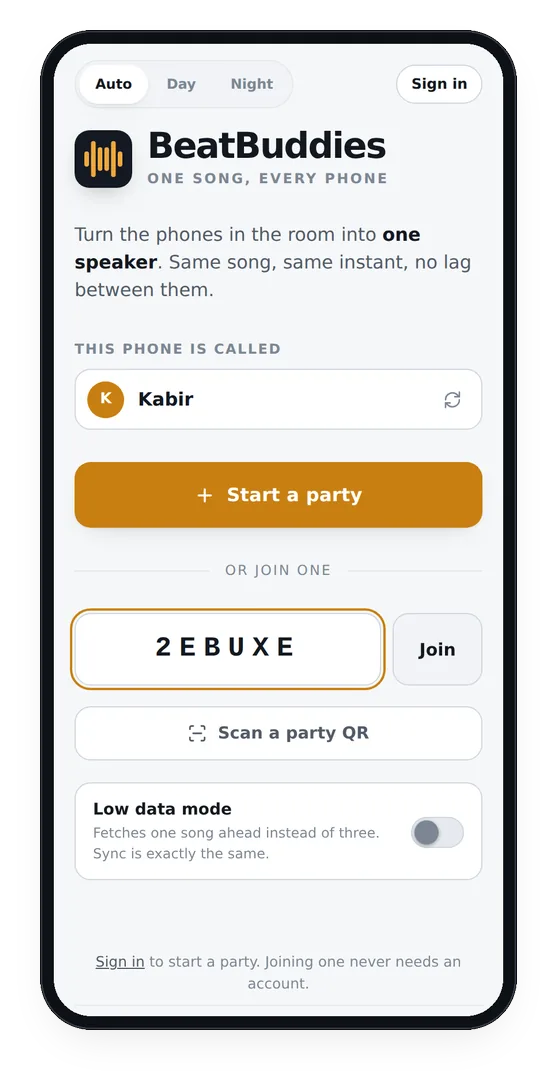
- Type the six character code on the first screen and tap Join.
- Tap Scan a party QR and point the camera at the host’s screen.
- Open the link the host sends. The share icon at the top of the host’s screen sends it to WhatsApp or anywhere else.
Joining never needs an account. A guest gets ten minutes straight away, and a free sign-up carries them on after that.
Step 3: add music
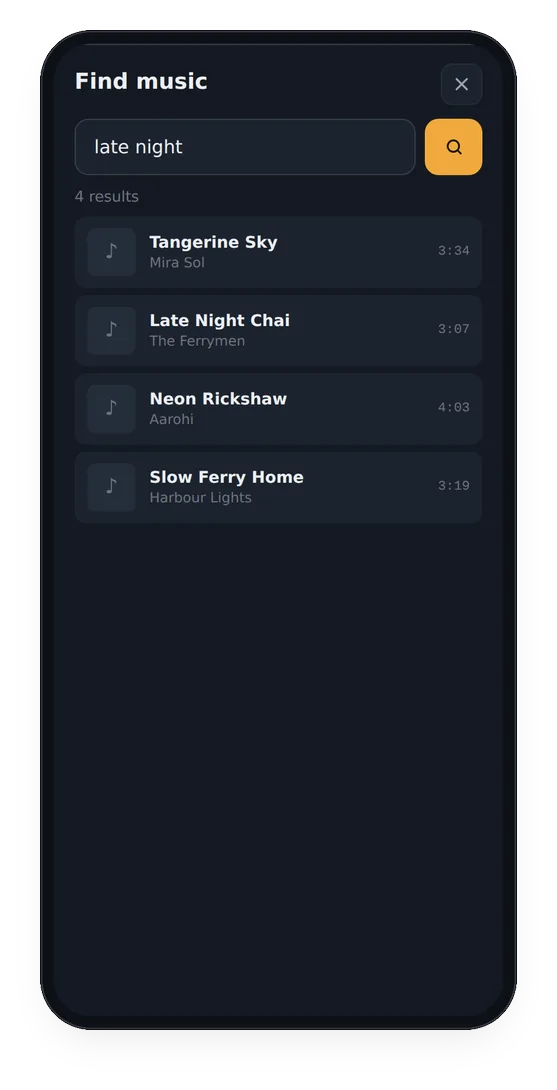
Tap Search to find tracks from Audius, a free catalogue of independent music, and tap each one you want in the queue. Or tap + Files to add songs that are already on your phone: mp3, m4a, wav, flac and most other audio formats, up to 40 MB each.
A file you add is uploaded once. After that each phone fetches its own copy, so the host’s phone is not doing the work for everybody.
Step 4: press play
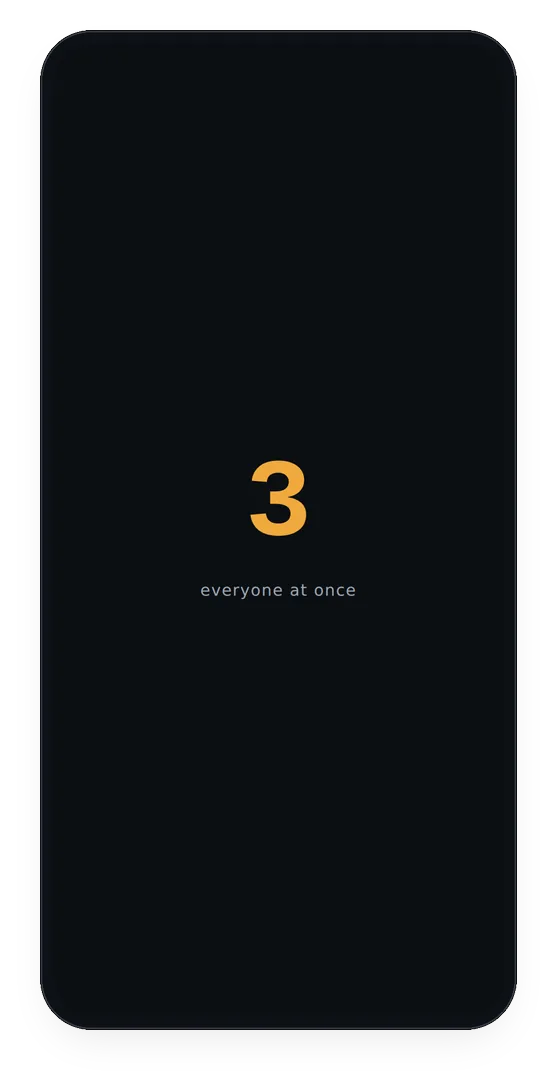
Tap play. Every phone shows a short countdown and then the song starts on all of them at the same moment. There is nothing to count and nothing to time.
From here the phones keep themselves lined up. Each one checks its clock again and again and makes tiny corrections to its own playback, far too small to hear, so the song stays together from the first bar to the last.
How to check it is really in sync
The small pill at the top of the party screen says in sync in green when this phone is where it should be. Tap it to open Sync & settings, which tells you in milliseconds how far this phone is from the rest of the party. Anything in single figures is well below what an ear can pick up.
If one phone sounds a little behind
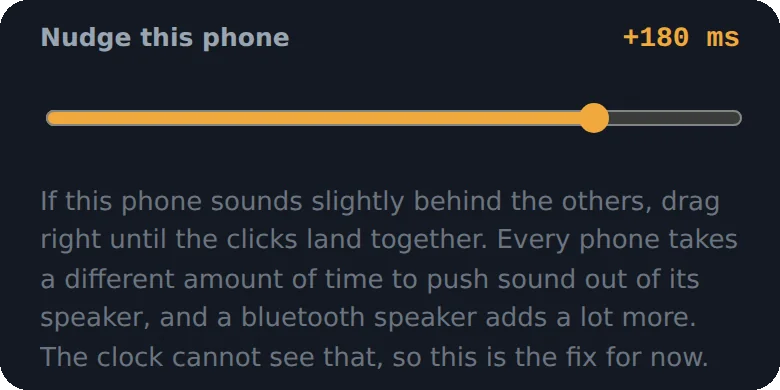
Every phone takes a slightly different time to push sound out of its speaker, and a Bluetooth speaker or Bluetooth earbuds add much more. The clock cannot see that part. So in Sync & settings there is a Nudge this phone slider. If one phone lags, drag its slider to the right a little at a time until the beats land together.
If an iPhone makes no sound at all
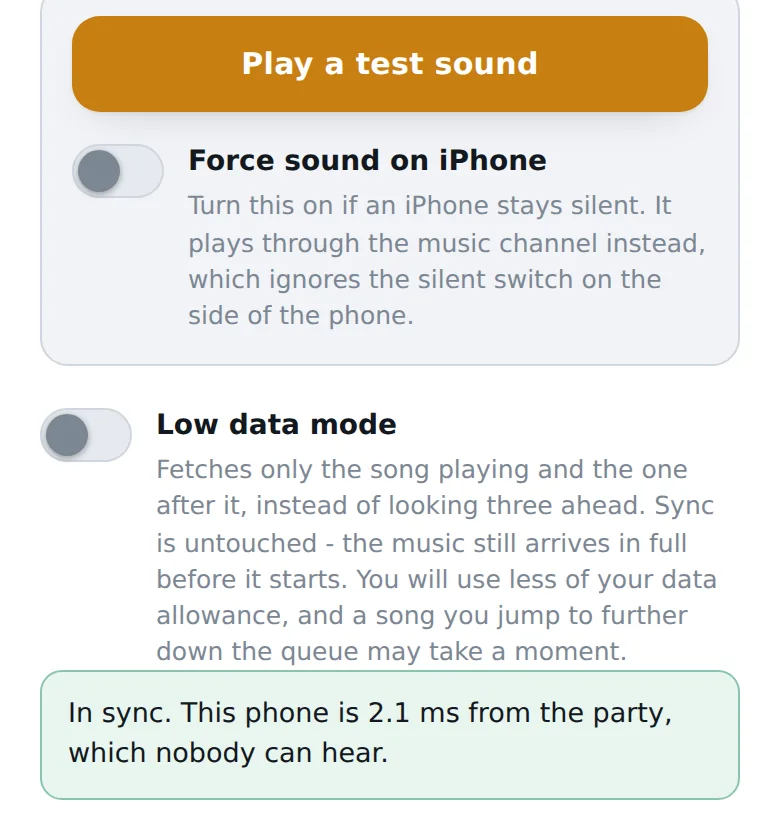
On an iPhone, the silent switch on the side can mute the sound a web app plays. Turn on Force sound on iPhone in the same sheet. It sends the music through the channel that ignores the silent switch. Play a test sound is there so you can check the speaker works before the party starts.
Small things that make it sound better
- Spread the phones out. Six phones bunched on one table sound like one loud phone. Six phones around a room sound like the room is playing music.
- Stay below full volume. Phone speakers distort at the very top. Around three quarters is usually cleaner and just as loud in a room.
- Keep the speaker end clear. Face down on a sofa cushion is the quietest place a phone can be.
- Short on data? Turn on Low data mode. The phone then fetches only the current song and the next one, instead of looking three ahead.
For the full living room setup, read how to run a house party with no speaker.
Questions people ask
Do all the phones need to be on the same wifi?
No. Each phone can use any wifi network or mobile data. Timing is worked out against one clock on the server, so a phone on 4G and a phone on wifi still play the same moment of the song.
How many phones can join one party?
There is no small fixed limit. Each phone keeps its own timing against the server, so adding another phone does not slow the others down. For a normal room, four to six phones is plenty.
Does it work on iPhone?
Yes. Open beatbuddies.online/app in Safari. If an iPhone plays nothing, turn on Force sound on iPhone in Sync and settings, which gets round the silent switch. An iPhone app is coming soon.
Can I play songs from Spotify or YouTube?
No. Music comes from two places: Search, which finds tracks on Audius, a free catalogue of independent music, and + Files, which adds songs already saved on your phone.
Does everyone need to pay?
No. Only the person who starts the party needs a subscription, and new accounts get three days free. Guests join for free: ten minutes with no account at all, and a free sign-up after that.
More from the blog
 House party
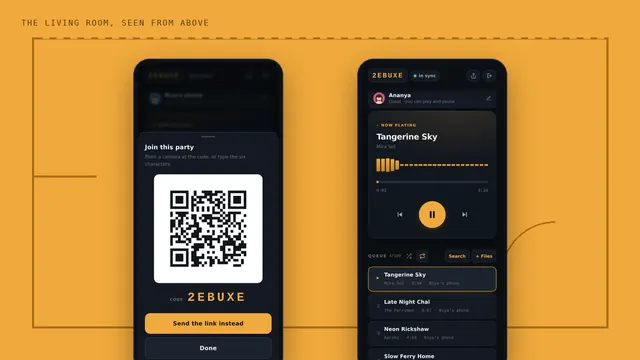
No speaker at the house party? Use every phone in the room
Where to put the phones, how loud to set them, and who runs the music.
 Hostel
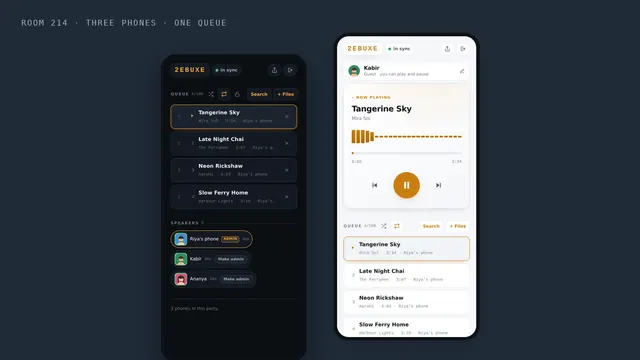
Hostel room party music, with no speaker and no fight over the aux
No speaker, bad wifi and a fight over the aux. One shared queue fixes all three.
 Weddings
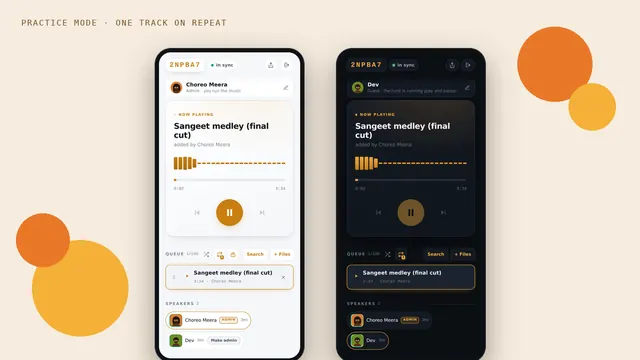
Sangeet practice: every cousin on the same beat, even at the back of the hall
Phones along the walls, the track on repeat, and the controls with the choreographer.