Hostel room party music, with no speaker and no fight over the aux
Twelve people, one small room, and one phone everybody wants to control. A shared queue on every phone fixes the sound and the arguments at the same time.
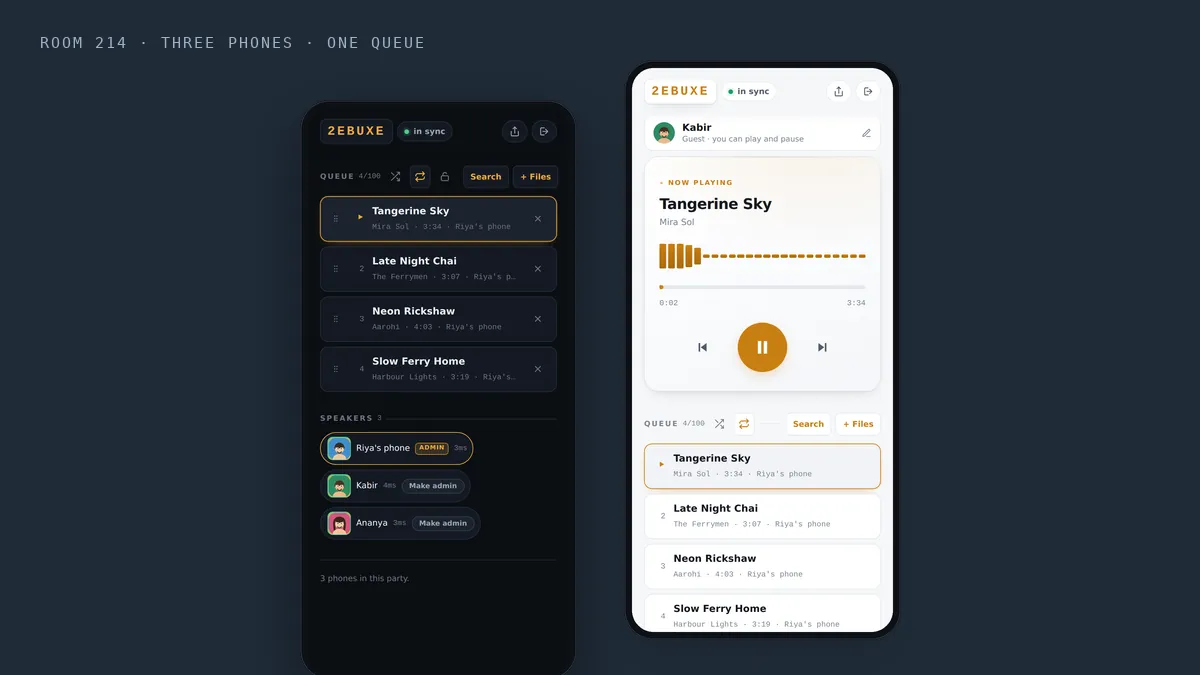
Room 214, eleven at night. Twelve people on two beds and the floor, and one phone playing through its own speaker. Everyone wants the next song. Somebody leans over to change it, somebody else takes the phone back, and whoever owns the phone spends the evening guarding it.
No speaker, weak wifi, and a queue that everyone thinks belongs to them. That is the usual hostel or PG room party, and it has a simple fix: put the same song on everybody’s phone, at the same instant, from one shared queue.
What changes when every phone plays together
The sound fills the room. Twelve people talking will drown out one phone. Four or five phones spread around the room, all playing the same beat at the same moment, cut through the noise without any of them being turned up to the point of crackling.
Nobody needs to hold the phone. The queue shows on every phone in the party. People can see what is coming next without reaching for anybody’s screen.
The owner of the phone stops being the DJ by default. The host decides who gets to add songs, and can hand that over to anyone with one tap.
Setting it up in a hostel room
One person starts a party from the app or from beatbuddies.online/app. Everyone else types the six character code, scans the QR, or taps the link dropped in the group chat. Joining needs no account and no payment.
The host adds music in two ways. Search finds tracks in Audius, a free catalogue of independent music. + Files adds songs already saved on the phone. Every track lands in one queue that the whole room can see.
Sharing the aux without the fight
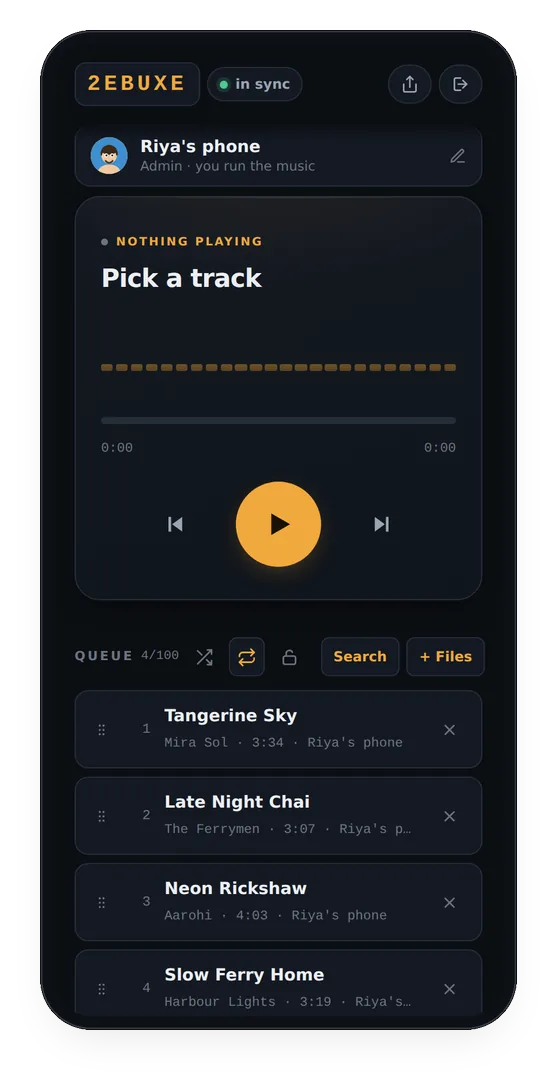
In a party, the host and any admins control the queue: adding, skipping, removing and reordering. Guests can play and pause, and that is all. It sounds strict, but it is what stops five people from skipping each other’s songs every thirty seconds.
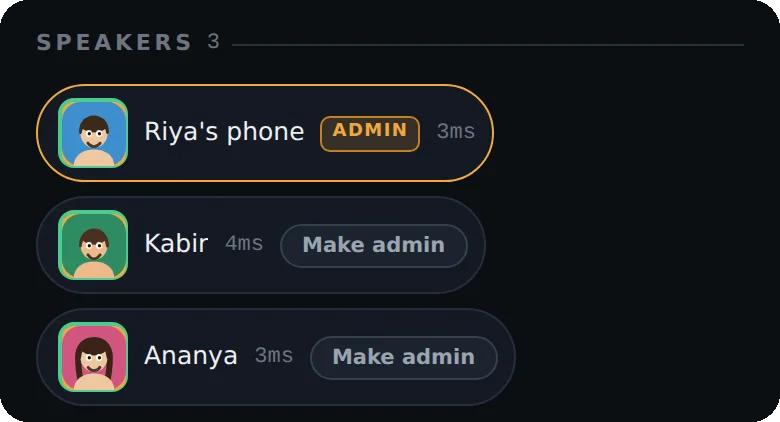
To share the job, the host taps Make admin next to a roommate’s name in the Speakers list. Two or three admins taking turns works well. They each add from their own phone, including songs saved on it.
When the hostel wifi gives up
Hostel wifi tends to be at its worst at exactly the time a room party starts. The phones do not need to be on the same network, so anyone whose wifi is slow can switch to mobile data and stay in the party. The timing is worked out against a clock on the server, not between the phones, so a phone on 4G and a phone on wifi still play the same moment of the song.
Short on data? Turn on Low data mode in Sync & settings. The phone then downloads only the song that is playing and the next one, instead of looking three songs ahead. Sync is exactly the same either way.
Playing your own songs
Most people in a hostel have a folder of downloaded songs that are not on any app. + Files takes mp3, m4a, wav, flac, ogg and most other audio formats, up to 40 MB and 15 minutes per song. Files belong to the party they were added to. When the party ends they are deleted, so nothing piles up on anybody’s account.
Keeping the warden happy
- Several phones at medium volume are clearer than one phone at full, and they carry less through the walls than you would think.
- Lock play and pause if people keep stopping the music by accident. The host can lock it with one tap, and unlock it just as fast.
- A party runs for up to three hours, and the app warns before it ends. That is usually longer than the warden allows anyway.
What it costs a room
Only the person who starts the party pays. Everyone who joins listens for free: ten minutes straight away with no account, and a free sign-up after that, which gives them their own three day trial. For the host, a week costs less than a cup of chai each when a room shares it. The details are on the pricing page.
Questions people ask
Does it work on mobile data?
Yes. The phones do not need to be on the same network, and Low data mode keeps downloads to the current song and the next one.
Can everyone add songs?
The host and any admins can add, skip and reorder. The host can make a roommate an admin with one tap, and guests can always play and pause unless the host locks it.
Can I play songs I have downloaded?
Yes. + Files adds mp3, m4a, wav, flac, ogg and most other audio files, up to 40 MB and 15 minutes each. They are deleted when the party ends.
Does everyone in the room need to pay?
No. Only the person who starts the party pays. Everyone else joins free.
More from the blog
 Weddings
Sangeet practice: every cousin on the same beat, even at the back of the hall
Phones along the walls, the track on repeat, and the controls with the choreographer.
 Silent disco
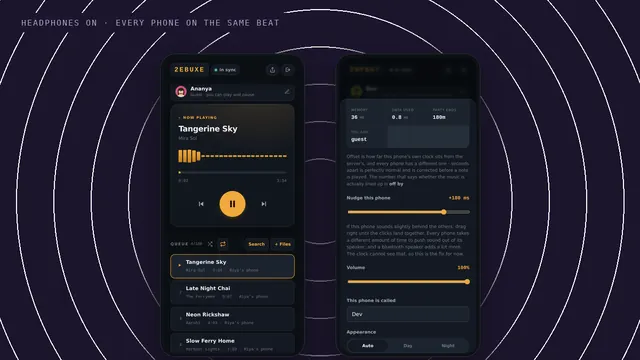
A silent disco with phones and headphones
Headphones on, every phone on the same beat, and nothing for the neighbours to hear.
 New feature
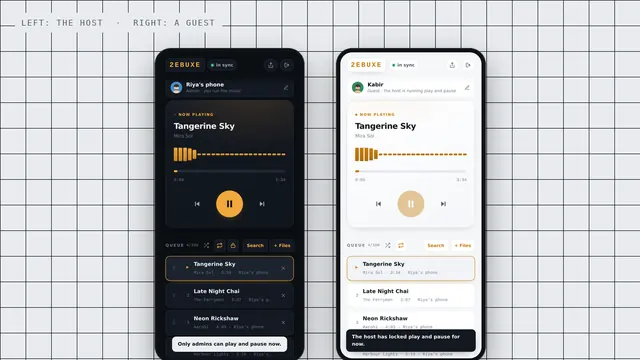
New: hosts can lock play and pause
One tap, and only the host and admins can start and stop the music.